How do I setup Double Opt-In for Subscribers?
Double opt-in can be enabled for all subscribers who sign up for your list, whether through the signup form or the API.
You can enable double opt-in and configure the verification email that goes out to new subscribers from the List Settings section in your account configuration.
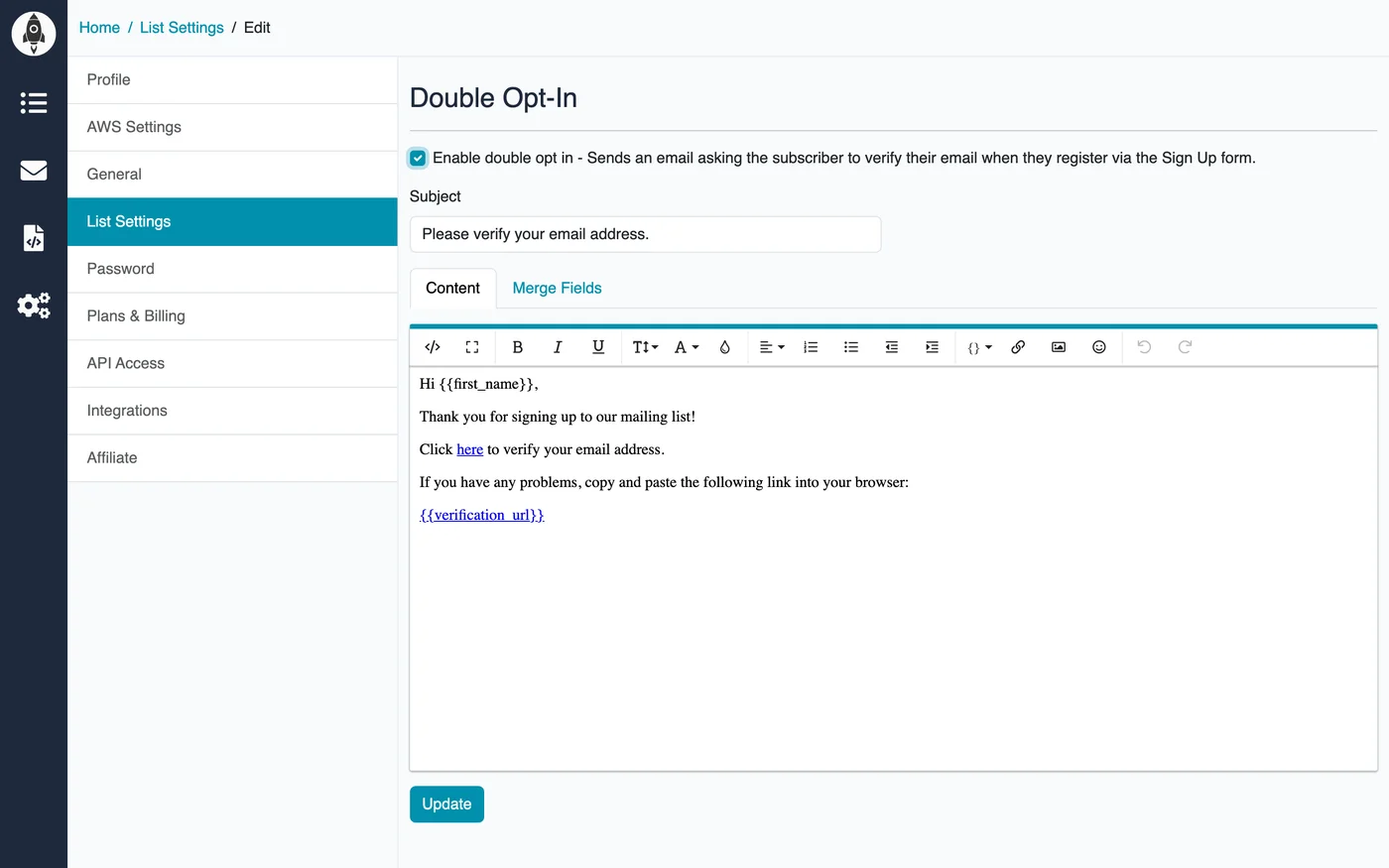
When enabled, each new subscriber will receive a confirmation email and must click the link before they are added to your active list. This helps ensure a clean, engaged subscriber base.