How do I send emails to subscribers who opened/did not open a campaign?
Mailblast lets you filter a campaign to only the subscribers who have been engaged - or unengaged - in a recent time window. Useful for rewarding engaged readers or running re-engagement sends to the rest.
Targeting works across all your past campaigns combined within the time window you pick - not against a single specific campaign. So you can ask "anyone who opened or clicked in the past month" but not "anyone who opened my March newsletter specifically".
How to use engagement-based targeting
- Start a new campaign as you normally would and pick the list to send to.
- Tick the Only Subscribers who have checkbox under the list selection.
- Choose the scope - Opened / Clicked or Not Opened / Clicked - and the time window: 1 week, 2 weeks, 1 month, 2 months, or 3 months.
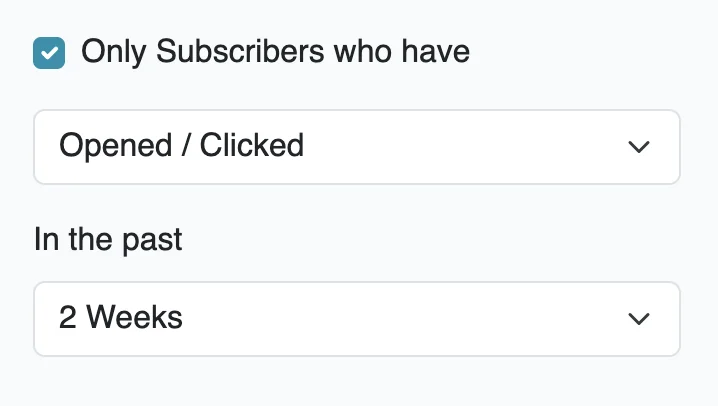
When you send, Mailblast counts opens and clicks across every past campaign on that list within the window to decide who receives the new one. So "Opened / Clicked in the past 1 month" means anyone who engaged with any of your campaigns in the last month.