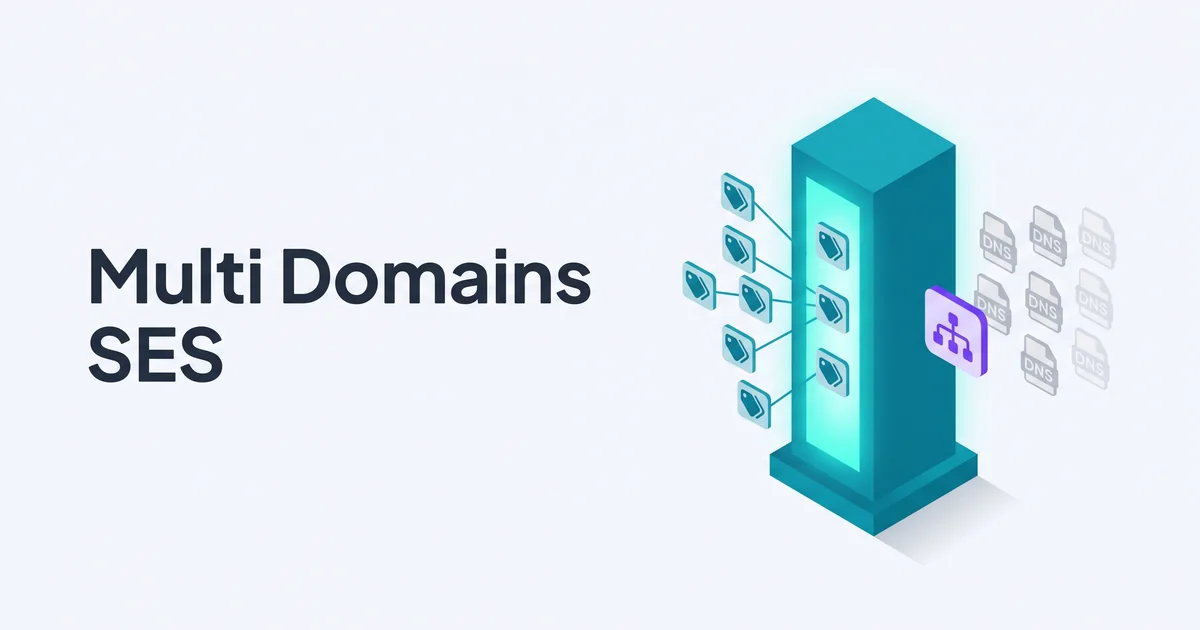
Across Amazon SES, a single AWS account can verify up to 10,000 sending identities (domains and email addresses combined) per region (AWS verifying identities documentation, retrieved 2026). Each domain is a separate verified identity with its own DKIM records, optional custom MAIL FROM, and independent verification state. The same account-level sending quota applies across all domains. This post walks through the multi-domain setup, the IAM scoping options, and when you actually want separate AWS accounts instead.
When You'd Want Multiple Domains in One Account
A 10,000-identity ceiling per region (AWS, 2026) means the technical limit is rarely the constraint. The single-account-multiple-domains pattern fits cases where the AWS account is operationally one unit (one billing account, one IAM trust boundary, one team) but the sending identities are several. Three common shapes:
- A company with multiple product brands sending from each brand's own domain.
- A SaaS platform that sends from its product domain (e.g.,
app.example.com) for transactional and from a separate marketing domain (e.g.,news.example.com) for newsletters. - A team maintaining transactional and marketing domains under one umbrella with shared IAM.
SES handles this without anything special - each domain is a separate verified identity with its own DKIM keys, optional custom MAIL FROM, and independent verification state.
When You Want Separate AWS Accounts Instead
The single biggest reason to split accounts is reputation: SES aggregates bounce and complaint rates across every verified identity in the account, and AWS reviews the account as a whole at a 5% hard bounce rate or 0.1% complaint rate threshold (AWS, 2026). If a single problem domain could trigger that review, isolation is structural, not configurable. Separate accounts also matter for:
- Reputation isolation. One bad domain in an account drags the others down. If a domain's deliverability problem must not affect siblings, use separate accounts.
- IAM isolation. Separate AWS accounts give you a genuine trust boundary - no possibility of an IAM role leaking access across brands.
- Billing separation. Agencies billing clients for SES sending costs typically want separate AWS accounts so each client's invoice is clean.
For most single-company-multiple-brand setups, one account is fine. For agencies, regulated industries, or sensitive workflows, split. Cross-account sending authorization (an identity policy on a verified identity that lets a different AWS account send from it) is the bridge when both patterns need to coexist.
| Concern | One AWS account, many domains | Many AWS accounts |
|---|---|---|
| Setup time per new domain | 5-15 minutes | 1-2 hours (account + IAM + billing) |
| Sending quota | Shared across all domains | Per-account, each quota-managed separately |
| Reputation isolation | ✗ Account-level | ✓ Per-account |
| IAM trust boundary | Soft (policy conditions) | Hard (account boundary) |
| Billing separation | Single invoice | Per-account invoices |
| Operational complexity | Low | Higher (cross-account roles, central monitoring) |
| Best fit | Single company, multiple brands | Agencies, regulated industries, strict isolation needs |
Setting Up Each Domain
Each domain in SES is a separate verified identity, and SES gives you no bulk-verify path - every domain is its own manual operation in the console or its own API call. The flow per domain is the same as a single-domain setup, repeated N times:
- SES console > Verified identities > Create identity. Choose Domain, enter the domain name, and click Create identity.
- Easy DKIM (default) generates three CNAME records. Publish all three at the domain's DNS provider.
- Custom MAIL FROM (recommended) creates an MX record and TXT record for a sending subdomain like
bounce.yourdomain.com. See our MAIL FROM setup guide for why this matters for DMARC alignment. - DMARC publish a TXT record at
_dmarc.yourdomain.comfor each domain. The records are per-domain; they don't share. - Wait for verification typically 5-30 minutes for DNS propagation; SES rechecks every few hours.
Repeat for each domain. There's no "bulk verify" UI in the SES console - each domain is a manual operation. For more than a handful of domains, the AWS CLI or Terraform is faster:
aws sesv2 create-email-identity --email-identity example.com
aws sesv2 create-email-identity --email-identity example.net
Each call returns the DKIM CNAME records, which you then publish at each domain's DNS.
IAM Scoping for Multi-Domain Accounts
By default, any IAM identity with ses:SendEmail can send from any verified domain in the account, so a leaked key for the marketing app can also send from the billing domain. AWS documents the ses:FromAddress condition key precisely for this case (AWS, 2026): scope each access key to one identity (an IAM permission boundary, not just a convention) and a credential leak in one application can't impersonate the others.
{
  "Version": "2012-10-17",
  "Statement": [{
    "Effect": "Allow",
    "Action": "ses:SendEmail",
    "Resource": "arn:aws:ses:us-east-1:123456789012:identity/example.com",
    "Condition": {
      "StringEquals": {
        "ses:FromAddress": "noreply@example.com"
      }
    }
  }]
}
This policy grants send-only for noreply@example.com from example.com and nothing else. Pair with separate IAM users per brand, and you have application-level isolation within a single AWS account.
See our IAM permissions deep dive for the full set of scoping patterns.
Reputation Implications
The single most important multi-domain caveat: SES reputation is account-level, not domain-level. A 5% hard bounce rate on one domain triggers AWS to put the entire account under review per the AWS reputation metrics documentation, affecting every domain you send from. This is the main argument for separate AWS accounts in larger setups.
Two operational mitigations within a single account:
- Configuration sets per domain. Configuration sets let you separately track and route events for each sending domain. Useful for analytics and per-domain bounce monitoring, but they don't isolate reputation - AWS still aggregates across the account.
- Conservative defaults on new domains. When adding a new domain to an established account, ramp the sending volume on the new domain gradually. A poorly-warmed new domain can drag down the account's overall bounce rate. See our SES warm-up guide for the production-ready schedule.
For genuine reputation isolation, separate AWS accounts is the only structural answer. AWS supports cross-account sending authorization when both patterns need to coexist - one account owns the verified identity, another account is authorized to send from it via an identity policy.
When to Move From One Account to Several
Three concrete signals that you've outgrown a single-account-multiple-domains setup:
- Your aggregate bounce rate climbs above 1% while individual domains stay clean. A single sloppy domain is dragging the others down. AWS reviews the aggregate, not per-domain numbers, so the clean domains pay for the sloppy one's mistakes.
- You need to bill clients separately. Agency setups where each client owns their sending volume, deliverability reputation, and AWS spend benefit from one AWS account per client. The cross-account sending authorization model lets a central operations account manage the configuration without bearing the billing.
- Compliance or audit requires it. Some regulated industries (healthcare, financial services) require that mail for distinct legal entities sits in distinct AWS accounts with separate IAM trust boundaries. The one-account-many-domains pattern conflicts with that requirement.
If none of those apply, single-account-multiple-domains is the simpler operational choice. Adding a domain takes 5-15 minutes once you have the DNS workflow established; adding an AWS account takes hours including identity-and-billing setup, cross-account IAM, and monitoring re-plumbing.
Mailblast and Multi-Domain Sending
Mailblast can connect to more than one verified SES identity, so a single Mailblast account can send from several of your own domains once each is verified in SES (DKIM + MAIL FROM + DMARC). The setup is the same as the single-domain flow: verify each domain, then add the verified identity to Mailblast.
Dedicated multi-brand or agency management - separate clients, separate reputations, separate billing - isn't a primary Mailblast use case; a platform built around that workflow, like BigMailer, is a better fit there. For a single company sending from a handful of its own brand domains, Mailblast's multi-domain support covers it.
Whether to run those identities under one AWS account or several is a separate decision that comes down to the reputation and IAM-isolation tradeoffs above - that choice is yours to make at the AWS level, independent of Mailblast.
FAQ
Can I send from multiple domains with one Amazon SES account?
Yes. A single AWS account can verify and send from any number of domains in a given SES region. Each domain is a separate verified identity with its own DKIM records, optional custom MAIL FROM, and independent verification state. The same account-level sending quota and reputation apply across all domains.
Do I need a separate AWS account for each sending domain?
Not for technical reasons. One AWS account can handle multiple domains via separate verified identities. Use separate AWS accounts when you need separate sending reputations (one bad-bouncing domain shouldn't damage the others) or strict IAM isolation between brands. Agencies running multiple unrelated clients usually want separate AWS accounts; a single company with several product brands usually doesn't.
How do I set up DKIM for multiple domains in SES?
Verify each domain separately in the SES console. Each verification generates three CNAME records that you publish to that domain's DNS. The records are domain-specific (the CNAME hostnames include domain-unique tokens), so the records for example.com are different from the records for example.net. Each domain gets its own independent key pair, but AWS does not rotate those keys automatically - rotation is a manual step, same as for any single Easy DKIM identity.
Can I share an IAM access key across multiple sending domains?
Yes, but think about the scoping. A single access key with ses:SendEmail permission can send from any verified domain in the account. If you want to restrict an application or environment to one specific domain, use an IAM policy condition like ses:FromAddress to scope the access key to a specific sending identity.
How does reputation work across multiple domains?
Amazon SES tracks reputation at the account level, not the domain level. Bounce and complaint rates aggregate across every domain you send from. A poorly-managed marketing domain can therefore affect the deliverability of a well-managed transactional domain if they share the AWS account. For isolation, use separate AWS accounts; within one account, accept the shared reputation tradeoff.
Disclosure: Mailblast is a hosted management layer for your own Amazon SES account and can send from multiple verified domains. Dedicated multi-brand/agency management is not its primary focus. AWS reputation still aggregates at the AWS-account level, so the decision to use one AWS account or several is yours to make based on the isolation tradeoffs above.